
Description
Product Overview
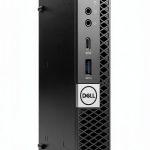
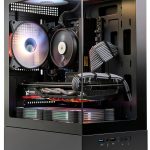
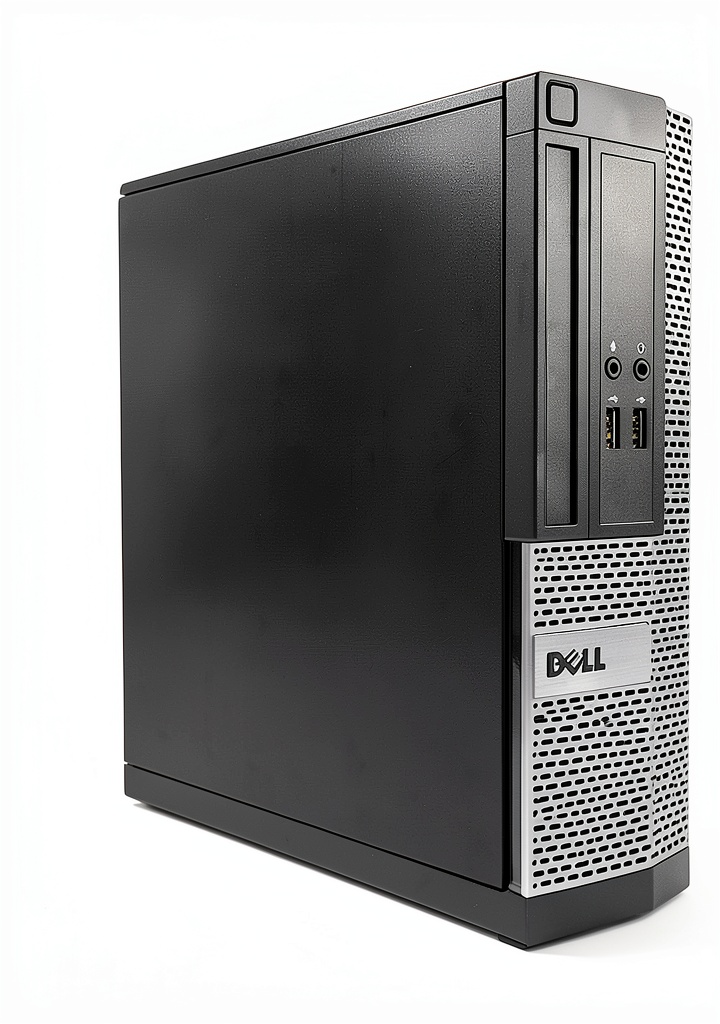
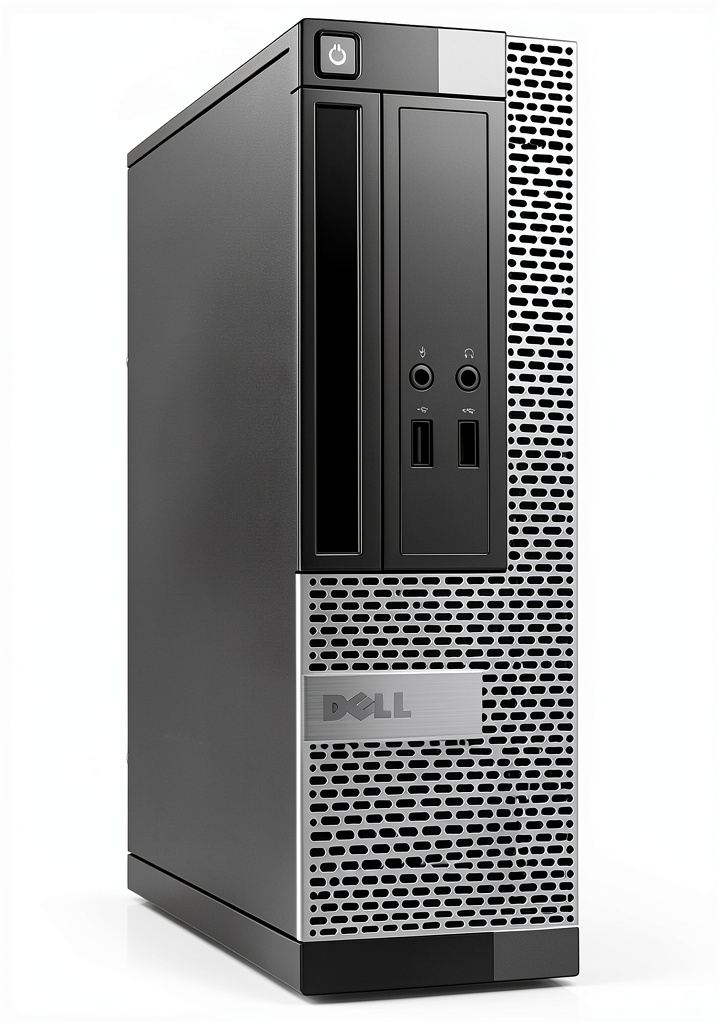
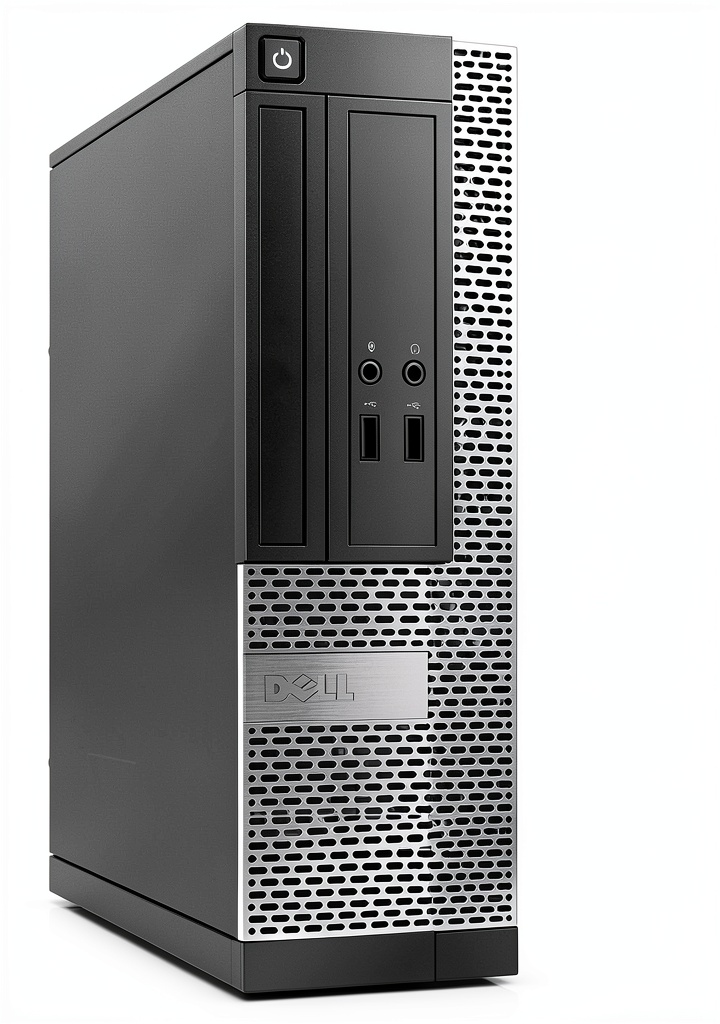
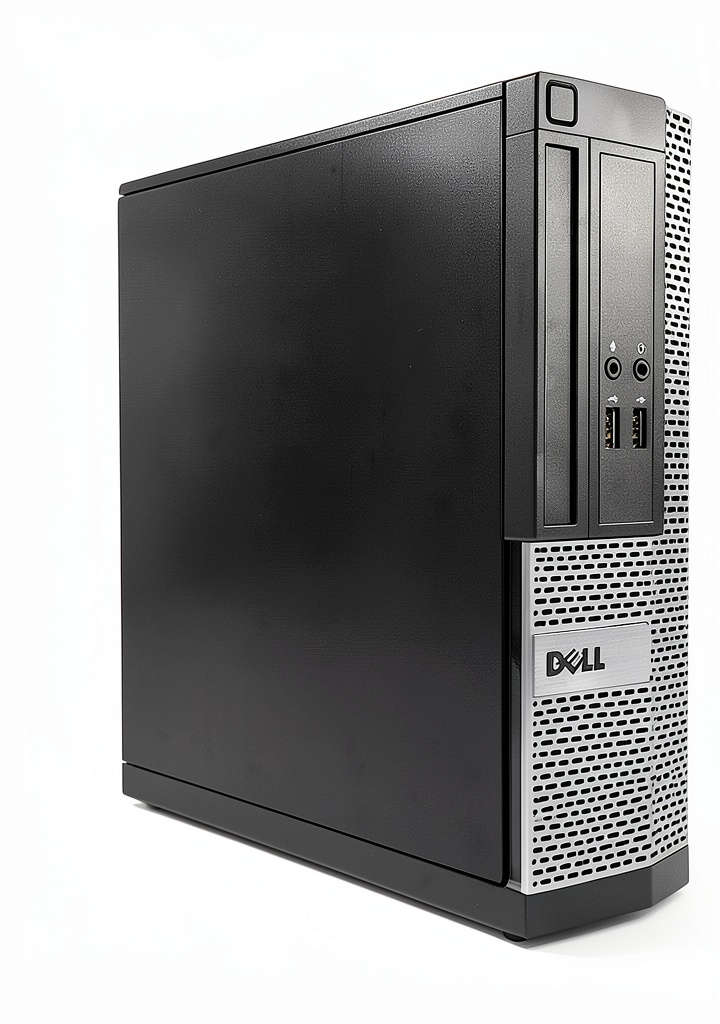
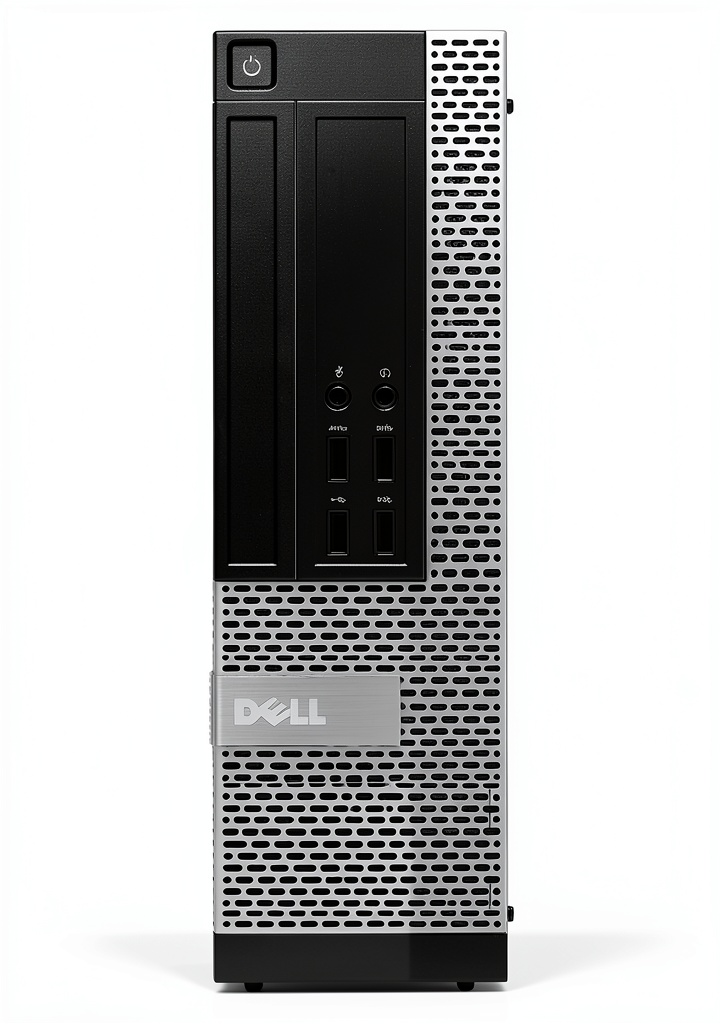
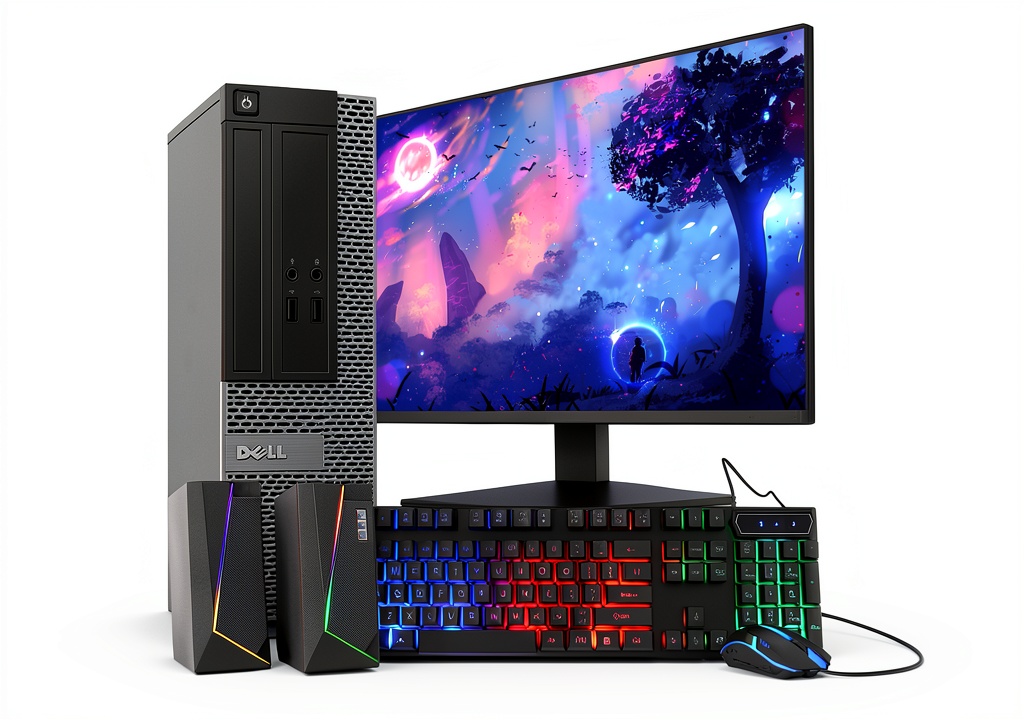
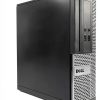
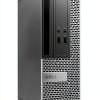
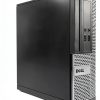
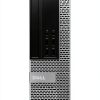
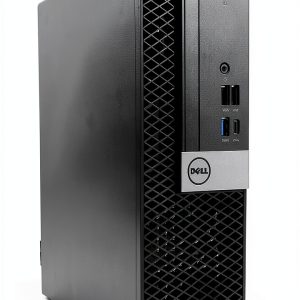
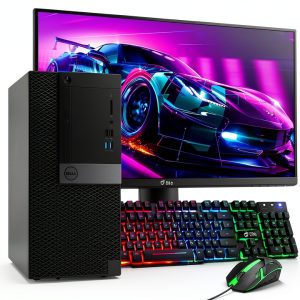
The Dell Optiplex Tower PC is engineered for professional environments where stability and performance are essential. Housed in a sleek black chassis, the tower measures 16.1 x 4 x 14.2 inches and weighs just over four pounds, making it compact enough to fit on a crowded desk yet robust enough to handle daily use. The design follows Dell’s proven Optiplex lineage, featuring a tool‑free chassis that simplifies upgrades and maintenance. Internal components are arranged for optimal airflow, reducing heat buildup and extending the lifespan of critical parts. The tower’s construction uses high‑grade steel and reinforced plastic, providing durability without excessive weight. This balance of form and function ensures the system can be deployed in a variety of office layouts, from open‑plan workspaces to dedicated cubicles, while maintaining a professional appearance that aligns with corporate branding.
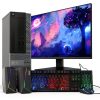
![[Product front view showing all components]](https://www.instahomes.store/wp-content/uploads/2026/06/79132de6123749919680f7130095a457.jpg)
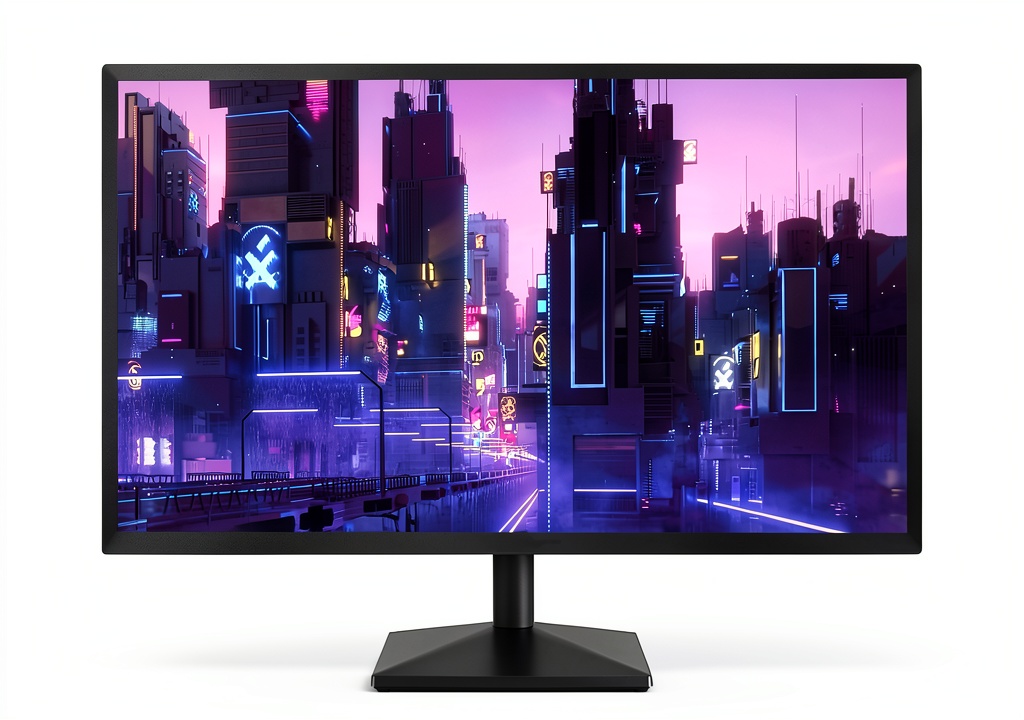
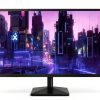
The integrated 22‑inch Full HD (1920 × 1200) LED monitor delivers crisp visuals with a 75 Hz refresh rate, offering smoother motion rendering for both productivity applications and casual media consumption. The screen’s IPS‑type panel provides wide viewing angles, so colleagues can comfortably view the display from different positions without color shift. With a brightness level suitable for typical office lighting, the monitor reduces eye strain during long sessions. The resolution exceeds standard 1080p, giving extra vertical space for spreadsheets, document editing, and multitasking with multiple windows side by side. The monitor’s anti‑glare coating minimizes reflections from overhead lighting, further enhancing visual comfort. By integrating the display directly into the tower package, Dell eliminates the need for separate monitor procurement, simplifying the purchasing process for IT departments.
At the heart of the system lies a 3.2 GHz Intel Core i5 processor, built on a modern architecture that balances power efficiency with computational speed. The i5‑based CPU provides sufficient cores and threads to handle everyday office software, such as Microsoft Office, web browsers, and collaboration tools, as well as more demanding workloads like data analysis or light content creation. Turbo Boost technology allows the processor to temporarily increase clock speed when additional performance is required, ensuring responsive operation during peak tasks. Coupled with Dell’s optimized firmware, the processor delivers consistent performance while maintaining low thermal output, which contributes to quieter fan operation. This combination of processing capability and energy efficiency makes the tower a reliable workhorse for businesses seeking predictable performance without excessive power consumption.
The system is equipped with 16 GB of DDR3 SDRAM operating at 4800 MHz, providing ample memory bandwidth for multitasking across several applications. This capacity enables users to keep multiple browser tabs, office suites, and communication tools open simultaneously without noticeable slowdowns. For storage, a 2 TB serial‑ATA hard drive spins at 7200 RPM, offering generous capacity for large file archives, project repositories, and local backups. While the HDD provides reliable long‑term storage, the platform also supports optional SSD upgrades for faster boot times and application loading. The combination of high‑capacity HDD and upgradeable SSD options gives IT managers flexibility to tailor storage solutions to specific workload requirements, balancing cost and performance effectively.
Graphics processing is handled by an integrated Intel Iris Xe graphics unit with 128 MB of dedicated video memory. Although not a dedicated GPU, the Iris Xe delivers smooth rendering for standard office graphics, high‑resolution video playback, and light creative tasks such as photo editing. The integrated solution reduces overall system cost and power draw while still supporting multiple external displays via the tower’s video outputs. Users can connect the monitor directly or extend their workspace with additional screens, benefiting from the graphics processor’s ability to manage up to three independent displays. This capability enhances productivity by allowing side‑by‑side comparison of documents, spreadsheets, and reference material without sacrificing performance.
Connectivity options include six USB 2.0 ports and two USB 3.0 ports, providing ample bandwidth for peripherals such as keyboards, mice, external storage, and docking stations. The tower also features built‑in 802.11a/b/g/n/ac Wi‑Fi, ensuring fast wireless networking in environments with modern routers. Ethernet connectivity is available through a standard RJ‑45 port for reliable wired networking when required. Audio output is supported via a 3.5 mm jack, and the system includes a DVD‑ROM optical drive for legacy media access. The inclusion of a full suite of ports and wireless standards enables seamless integration into existing office infrastructure, reducing the need for additional adapters or expansion cards.
The compact footprint of 16.1 × 4 × 14.2 inches allows the tower to sit comfortably on a desk or be mounted on a small shelf, freeing valuable floor space in crowded office environments. Weighing just over four pounds, the unit is light enough for easy relocation during office reconfigurations while still feeling solid on the desk. The chassis design incorporates cable management channels that keep power and data cables organized, contributing to a tidy workstation appearance. The overall dimensions also comply with standard rack‑mount specifications, offering the option to integrate the tower into a rack enclosure if space constraints dictate. This versatility ensures the system can adapt to a range of deployment scenarios without compromising on aesthetic or functional considerations.
The Dell Optiplex Tower PC ships with Windows 11 Pro pre‑installed, providing a modern, secure operating system optimized for business use. Windows 11 Pro includes advanced management features such as BitLocker encryption, group policy support, and remote desktop capabilities, which are essential for enterprise environments. The system is delivered without bloatware, allowing IT teams to deploy customized images or applications without first removing unnecessary software. Dell’s support portal offers driver updates and firmware patches to keep the hardware running smoothly throughout its lifecycle. Additionally, the machine qualifies for Dell’s standard warranty and optional on‑site service plans, giving organizations confidence in long‑term reliability and support.
Usage
In a typical corporate office, the Dell Optiplex Tower PC serves as a dependable workstation for knowledge workers who rely on productivity suites, email, and web‑based collaboration tools. The 22‑inch Full HD display reduces the need for external monitors, streamlining desk setups and minimizing cable clutter. Employees can efficiently handle spreadsheets, presentations, and document editing with the 16 GB of RAM, while the fast i5 processor ensures quick response times when switching between applications. The integrated graphics support dual‑monitor configurations for users who require additional screen real estate for multitasking. Network connectivity through Wi‑Fi ac or wired Ethernet guarantees stable access to corporate resources, and the built‑in DVD‑ROM allows occasional use of legacy media for software installations or data retrieval.
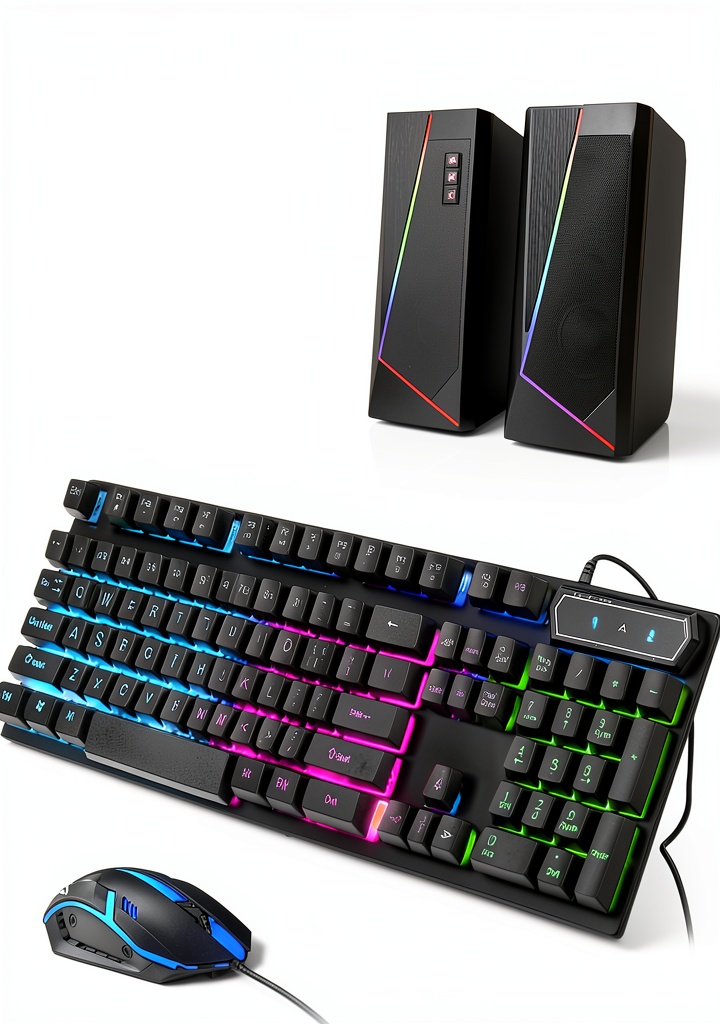
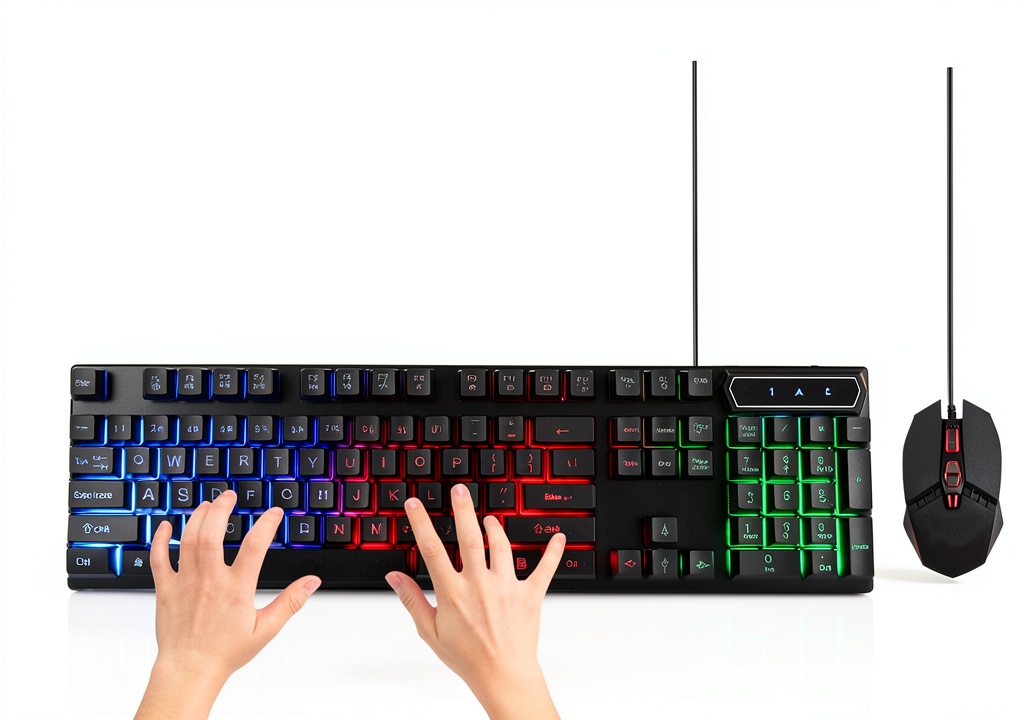
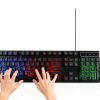
For remote workers and home office setups, the tower’s compact size and quiet operation make it an ideal choice for environments where space and noise are concerns. The built‑in Wi‑Fi ac provides reliable wireless connectivity to home routers, while the USB 3.0 ports enable fast data transfer for external SSDs or backup drives. The pre‑installed Windows 11 Pro includes built‑in security features such as device encryption and secure boot, protecting sensitive corporate data accessed from outside the office network. The 2 TB hard drive offers ample local storage for large files, project archives, and video conferences, reducing dependence on cloud storage for everyday tasks. Users can also connect the included RGB keyboard and mouse accessories for an enhanced ergonomic experience during long workdays.
Educational institutions can deploy the Optiplex Tower PC in computer labs, faculty offices, and administrative departments where reliable performance is paramount. The system’s robust hardware handles classroom software, learning management platforms, and multimedia presentations without lag. The integrated Intel Iris Xe graphics enable smooth playback of high‑definition instructional videos, while the Full HD display provides clear visuals for detailed diagrams and code examples. The tower’s durability, reinforced chassis, and warranty support reduce total cost of ownership for schools that need to replace or upgrade equipment regularly. Additionally, the inclusion of a DVD‑ROM facilitates the use of physical educational media, such as instructional DVDs or software discs, which are still common in many curricula.
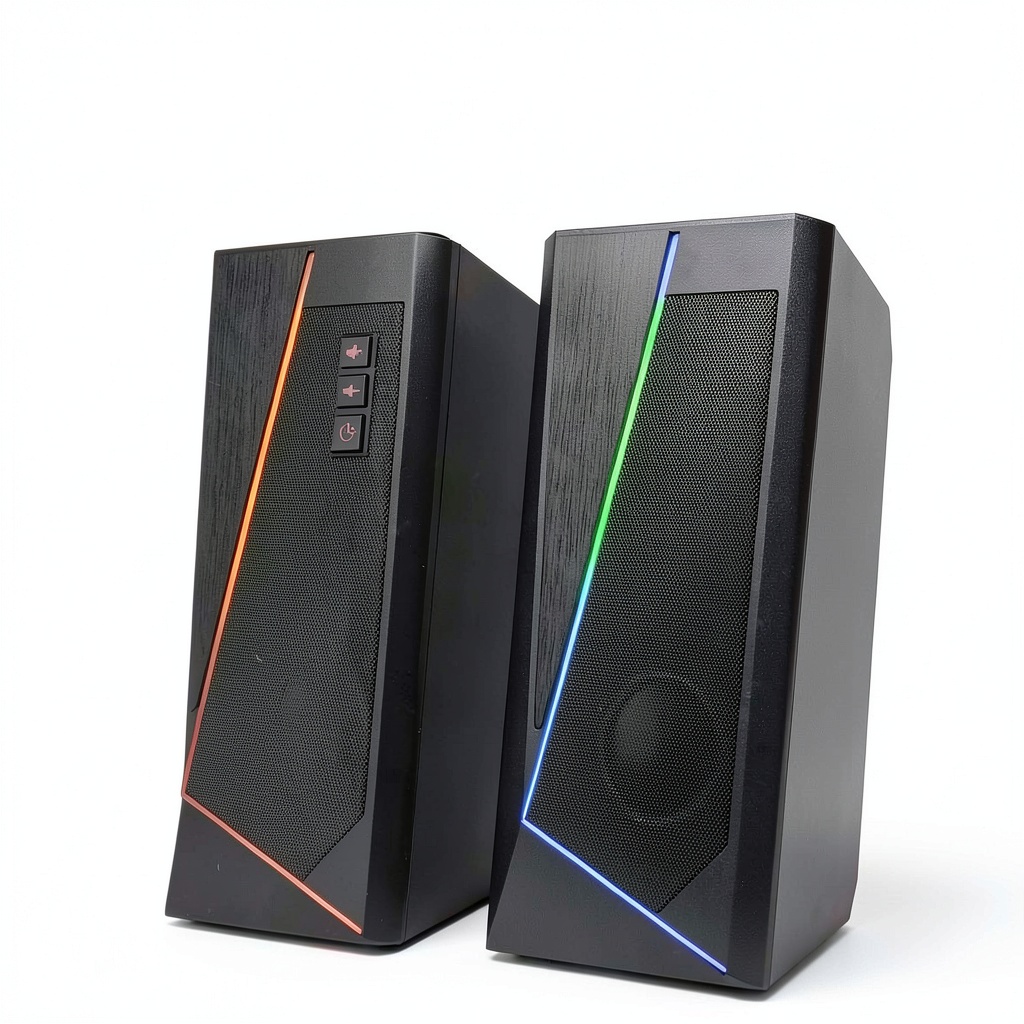
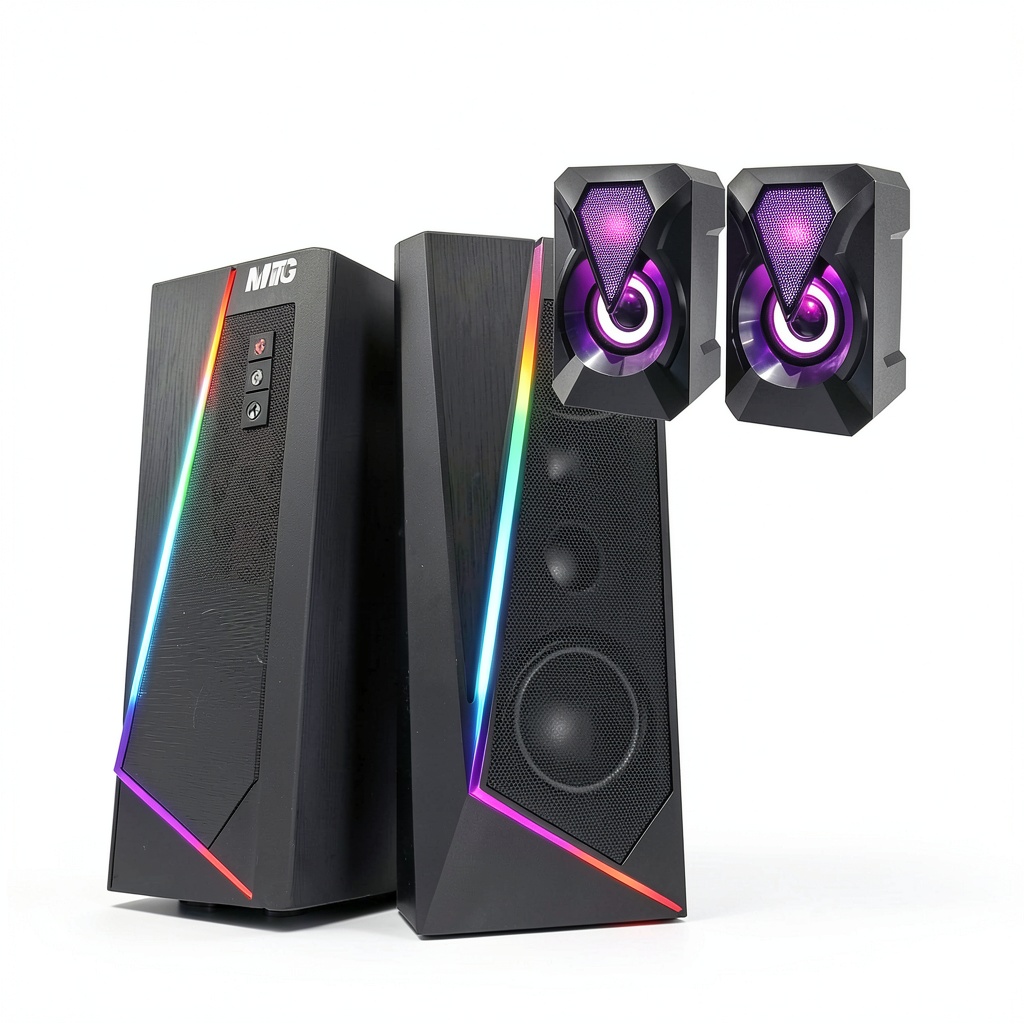
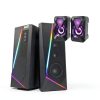
Small businesses benefit from the Optiplex Tower PC’s balance of cost‑effectiveness and capability. The all‑in‑one package, which includes the monitor, keyboard, mouse, and speaker set, eliminates the need to source separate peripherals, simplifying procurement and inventory management. The system’s performance is sufficient for accounting software, customer relationship management (CRM) tools, and basic graphic design tasks, allowing staff to perform a wide range of duties on a single machine. The tower’s expandability permits future upgrades, such as adding a solid‑state drive for faster boot times or increasing RAM as business needs evolve. Dell’s optional on‑site service ensures minimal downtime in case of hardware issues, keeping operations running smoothly.
Why Choose Us
Choosing Dell means partnering with a brand that has a long history of delivering enterprise‑grade hardware backed by comprehensive support services. The Optiplex series is known for its rigorous testing, component quality, and consistent performance across diverse workloads. Each unit ships with a standard one‑year limited hardware warranty, with options to extend coverage through ProSupport or on‑site service plans that provide rapid response times and expert technicians. Dell’s global service network ensures that assistance is available wherever the business operates, reducing the risk of prolonged outages.
Beyond the warranty, Dell offers a suite of tools designed to simplify device management and lifecycle planning. The Dell Command Suite enables IT administrators to remotely configure BIOS settings, deploy software updates, and monitor system health, streamlining maintenance tasks. Additionally, Dell’s online knowledge base and community forums provide quick answers to common questions, while dedicated account managers can assist with customized solutions and bulk purchasing. This combination of robust hardware, proactive support, and scalable services makes the Optiplex Tower PC a prudent investment for organizations seeking long‑term stability.
Key Features
- 22‑inch Full HD display reduces need for external monitor, saving desk space
- Intel i5 processor with 16 GB RAM delivers fast multitasking for office apps
- 2 TB HDD provides ample storage for files, with optional SSD upgrade for speed
- Integrated Intel Iris Xe graphics supports dual‑monitor setups and smooth video playback
- Dell ProSupport warranty and remote management tools ensure reliable after‑sales service
FAQ
Can I upgrade the memory or storage in the future?
Yes, the Optiplex Tower PC is designed with upgradeability in mind. The DDR3 memory slots allow you to add or replace RAM modules up to the motherboard’s maximum supported capacity. The 2 TB HDD can be swapped for a larger drive or complemented with an SSD using the available SATA ports, providing flexibility to improve performance or increase storage as your needs evolve.
Does the system include a monitor and peripherals?
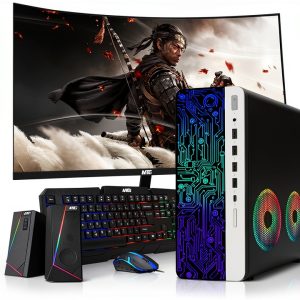
The package comes with a 22‑inch Full HD monitor, an RGB backlit keyboard, a matching mouse, and a set of speakers, offering a complete workstation out of the box. This all‑in‑one solution simplifies setup for businesses and eliminates the need to purchase separate accessories.
What warranty and support options are available?
All units include a standard one‑year limited hardware warranty. Customers can extend coverage with Dell ProSupport or on‑site service plans, which provide faster response times, proactive monitoring, and access to certified technicians. Additionally, Dell offers remote management utilities and a comprehensive online knowledge base to assist with troubleshooting and maintenance.
Reviews
There are no reviews yet.